
Not every useful Gemini workflow lives inside a product. This post describes a personal weekend system I use to plan road trips around California and the American West. It combines Gemini for research and itinerary drafting, Google Maps for distance and timing reality checks, and a simple spreadsheet for the final plan I actually follow.
The system is intentionally lightweight. It exists to reduce decision fatigue, not to produce a perfect optimized route. I have used it for trips ranging from a single overnight to a full week. The parts that survived are the ones that kept the model in a supporting role and the spreadsheet as the source of truth. Over-optimizing the route with the model has never improved the actual trip as much as protecting buffer time and backup options.
The Inputs I Collect First
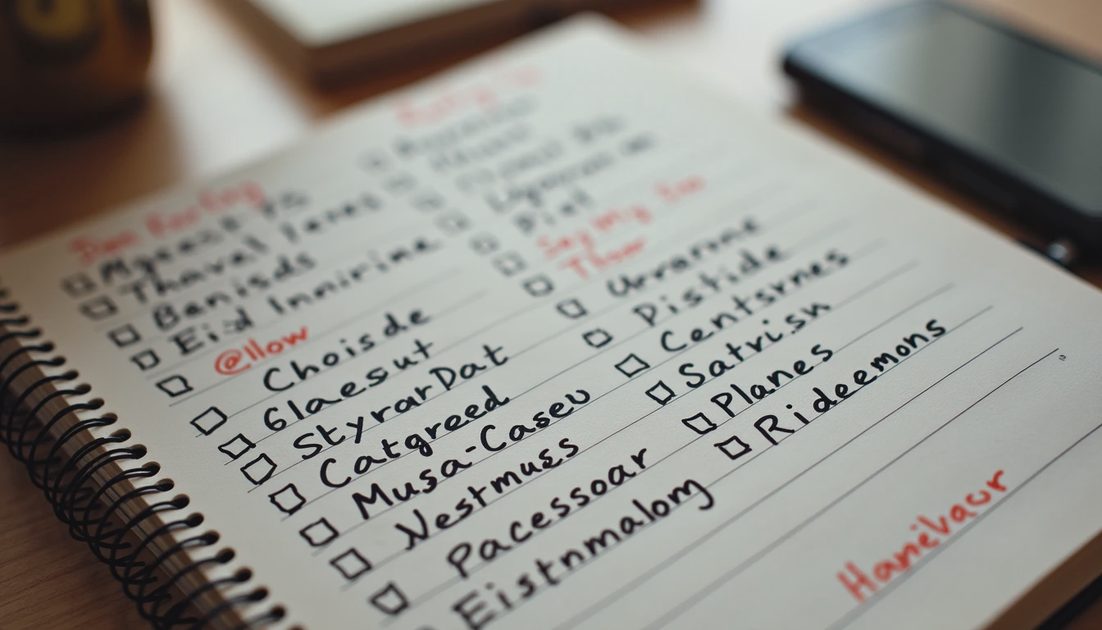
Before any model call I gather:
Number of driving days and preferred daily driving limit
Must-see places and flexible places
Constraints (hiking difficulty, food preferences, budget ceiling)
Any hard deadlines (return time, reservation windows)
These inputs go into a short plain-text brief. Gemini never sees an open-ended “plan a great trip” request; it sees a constrained brief. The quality of the eventual plan is bounded by the quality of this brief. Vague inputs produce vague shortlists; specific inputs produce shortlists I can actually verify and use.
I also note the season and any known road or weather constraints at the time of planning. That context prevents the model from suggesting routes or activities that are unrealistic for the dates in question.
Research and Shortlist
I ask Gemini Flash to expand the flexible places into a shortlist with one-sentence reasons and rough time-of-year notes. I then verify the suggestions against recent trip reports and park or venue sites. Anything that fails a quick credibility check is dropped before it enters the spreadsheet.
The model is treated as a research assistant, not as an authority. The verification step is non-negotiable. I also ask for one or two “skip if” conditions for each suggestion (for example, “skip if the road is still closed from winter” or “skip if the hike requires a permit we do not have”). Those conditions later become the backup triggers in the spreadsheet.
Building the Spreadsheet
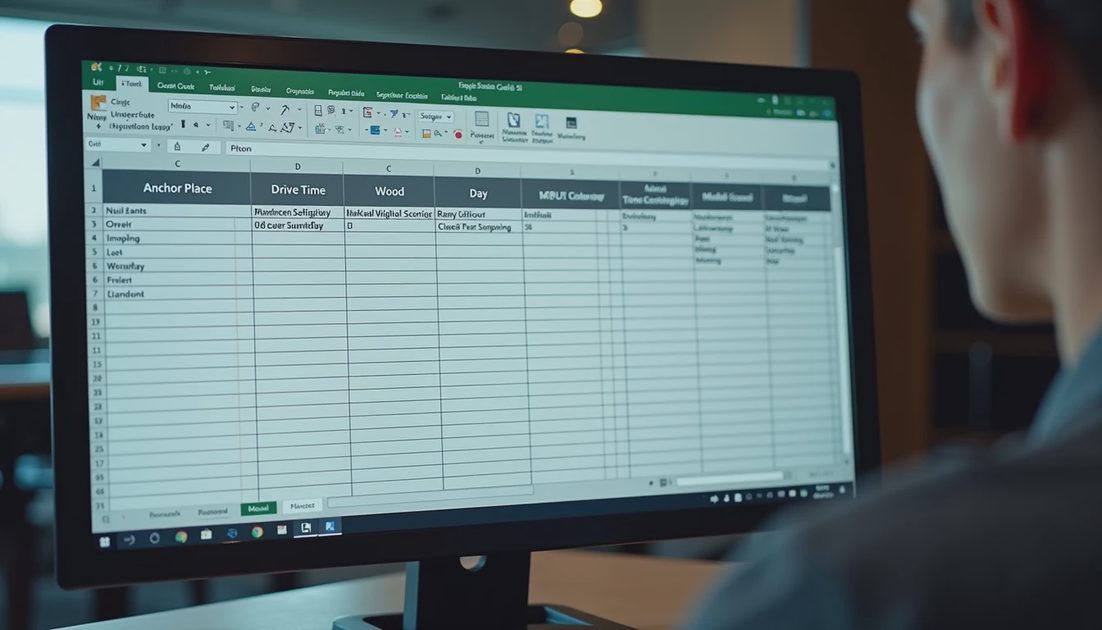
The living plan lives in a spreadsheet with columns for:
Day | Anchor Place | Drive Time | Activity Window | Backup Option | Notes |
|---|---|---|---|---|---|
1 | ... | ... | ... | ... | ... |
Drive times come from Google Maps, not from the model. Activity windows are human judgments about energy and daylight. Backup options exist because weather and mood change. I update the spreadsheet as the only source of truth; any narrative Gemini drafts is derived from the spreadsheet, never the other way around.
Where Gemini Helps Most
Turning a vague interest (“good short hikes near X”) into a concrete shortlist
Drafting a neutral day-by-day narrative once the spreadsheet is stable
Suggesting contingency options when a primary plan looks fragile
Generating packing reminders tied to the actual activities on the plan
Where I Keep Control
Final selection of places
Daily driving limits
Reservation and permit decisions
The decision to drop a plan entirely if conditions change
Any commitment that involves money or non-refundable bookings
I also keep a short personal rule: if I have not verified a suggestion against a primary source (park site, recent trip report, or Maps), it does not enter the spreadsheet. That rule has prevented more disappointment than any prompt refinement.
I tried it first. The combination of a constrained brief, human verification, Maps for distances, and a spreadsheet as the source of truth is the part worth copying. The exact destinations will be different for every trip; the discipline of keeping the model in a supporting role is not. The best plans I have followed were the ones where Gemini accelerated research and I retained every decision that affected the actual days on the road.
This workflow is also a useful reminder that not every valuable Gemini application needs to be a product feature. Sometimes the highest-leverage use is a personal system that simply makes a recurring decision cheaper and clearer. The same principles—constrain the input, verify the output, keep a human-owned source of truth—transfer directly to many work contexts.
I still adjust the system after every trip. The spreadsheet columns have stayed stable; the kinds of questions I ask Gemini have become more precise. That iterative tightening is how a lightweight personal workflow stays useful over time. The demo is easy. Building a system you still want to use six months later is the real tutorial.
One small addition that has improved the plans: after the spreadsheet is filled, I ask Gemini for a single “risk and buffer” paragraph—places where the schedule is tight, weather-sensitive, or reservation-dependent. That paragraph does not change the plan; it changes how I pack and how early I leave. The model is good at surface-level risk spotting; the decision to act on those risks stays mine.
The broader lesson is the same one that appears throughout this site: constrain the input, verify the output, and keep a human-owned source of truth. Whether the domain is product analysis, structured JSON, or a weekend road trip, those three habits turn Gemini from a source of fluent suggestions into a reliable assistant.