Long meeting transcripts are one of the most common places teams try to use Gemini. The results are often disappointing when the full transcript is simply pasted into the model. This post describes a workflow that consistently produces usable summaries by combining human preparation, constrained prompts, and a clear separation between extraction and interpretation.
I have used variations of this process for internal product reviews, customer calls, and cross-functional planning meetings. The version below is the one that survived repeated real-world use. The key insight is that summarization quality depends more on what you refuse to let the model do than on how clever the prompt is.
Step 1: Clean Before You Summarize
Never send a raw transcript if you can avoid it. Before any model call I perform three quick manual steps:
Remove obvious filler, repeated acknowledgments, and off-topic digressions
Strip or anonymize any confidential pricing, personal health, or identifiable customer details that should not leave the internal system
Mark the sections that actually contain decisions, open questions, or action items
This cleaning usually takes five to ten minutes and dramatically improves the signal the model receives. It also keeps sensitive material out of the prompt. Teams that skip this step often blame the model for poor summaries when the real problem is noisy or inappropriate input. The cleaning step is the highest-leverage part of the entire workflow.

Step 2: Extract, Do Not Interpret
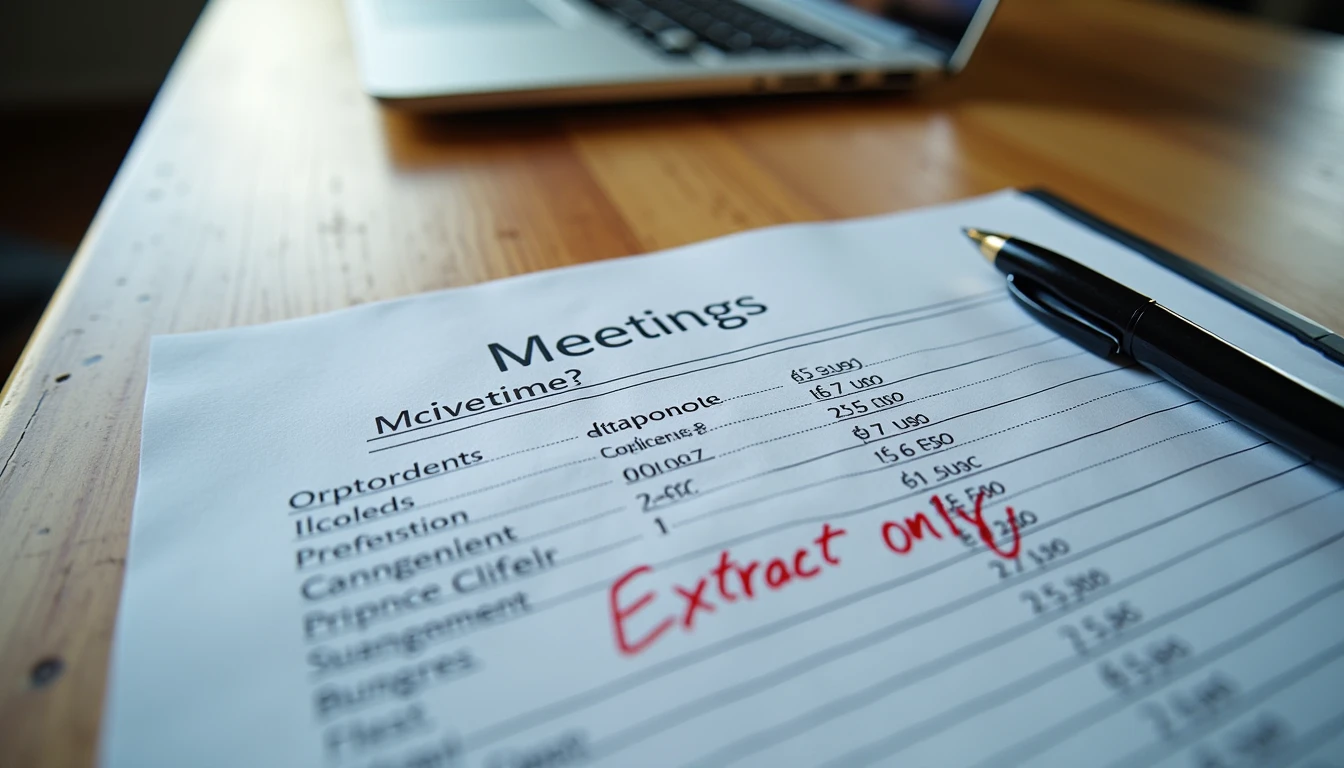
The first Gemini call is strictly limited to extraction. The prompt asks only for:
Decisions that were explicitly stated
Open questions that remain unresolved
Action items with owners if the owners were named
Any deadlines that were mentioned
I explicitly forbid the model from adding recommendations, prioritizing items, or inventing owners. The output is a structured list, not a narrative summary. Flash models are usually sufficient for this step and keep latency and cost low.
A short example of the constraint language I use:
Extract only what was explicitly said. Do not add interpretation, priority, or missing owners. If an owner was not named, leave the owner field blank.
Step 3: Human Review and Light Narrative
After extraction I review the list myself. I correct any misattributed items, restore important context that the model dropped, and decide which points actually need to appear in the final note. Only then do I ask Gemini (still with a tight prompt) to turn the cleaned list into a short narrative paragraph if a prose version is required for stakeholders.
This two-stage approach prevents the most common failure mode: a fluent summary that quietly changes the meaning of what was decided.
Stage | Model role | Human role |
|---|---|---|
Cleaning | None | Remove noise and confidential content |
Extraction | List decisions, questions, actions | Verify accuracy and completeness |
Narrative (optional) | Turn verified list into prose | Final edit and distribution decision |
Failure Modes I Still Watch For
Even with constraints, three problems appear periodically:
The model merges two separate action items into one
An open question is presented as a decision
Owners are inferred from context instead of being left blank
When any of these appear I add the specific failure as a negative example in the next prompt iteration. Over time the extraction prompt becomes more robust for the kinds of meetings my team actually holds. I also keep a short personal log of these failure modes. Patterns that repeat across different meeting types become permanent constraints in the base prompt.
Another subtle issue is tone. Even when the facts are correct, the model sometimes softens or hardens the language of a decision. For high-stakes meetings I therefore keep the final distributed note in a more neutral, almost bullet-like style rather than polished prose.
What Worked / What Failed / What I Would Change
What worked
Separating extraction from narrative writing. Keeping the first call strictly factual. Using Flash for the high-volume extraction step. The human cleaning step before any model call.
What failed
Early attempts that asked for a “good summary” in one shot. The outputs were readable but frequently altered meaning. Also, prompts that allowed the model to invent owners “based on context” created accountability problems later.
What I would change in production
I would add a lightweight schema validation step on the extraction output and store the verified lists in a shared location so the same meeting cannot be summarized differently by two people. I would also experiment with a second, independent extraction pass on critical meetings as a consistency check.
I tried it first. You can copy the three-stage structure even if your prompt wording ends up different. The value is in the separation of concerns, not in any single sentence of instruction. The demo is easy. Keeping the meaning intact is the real work.