Bottom line first.
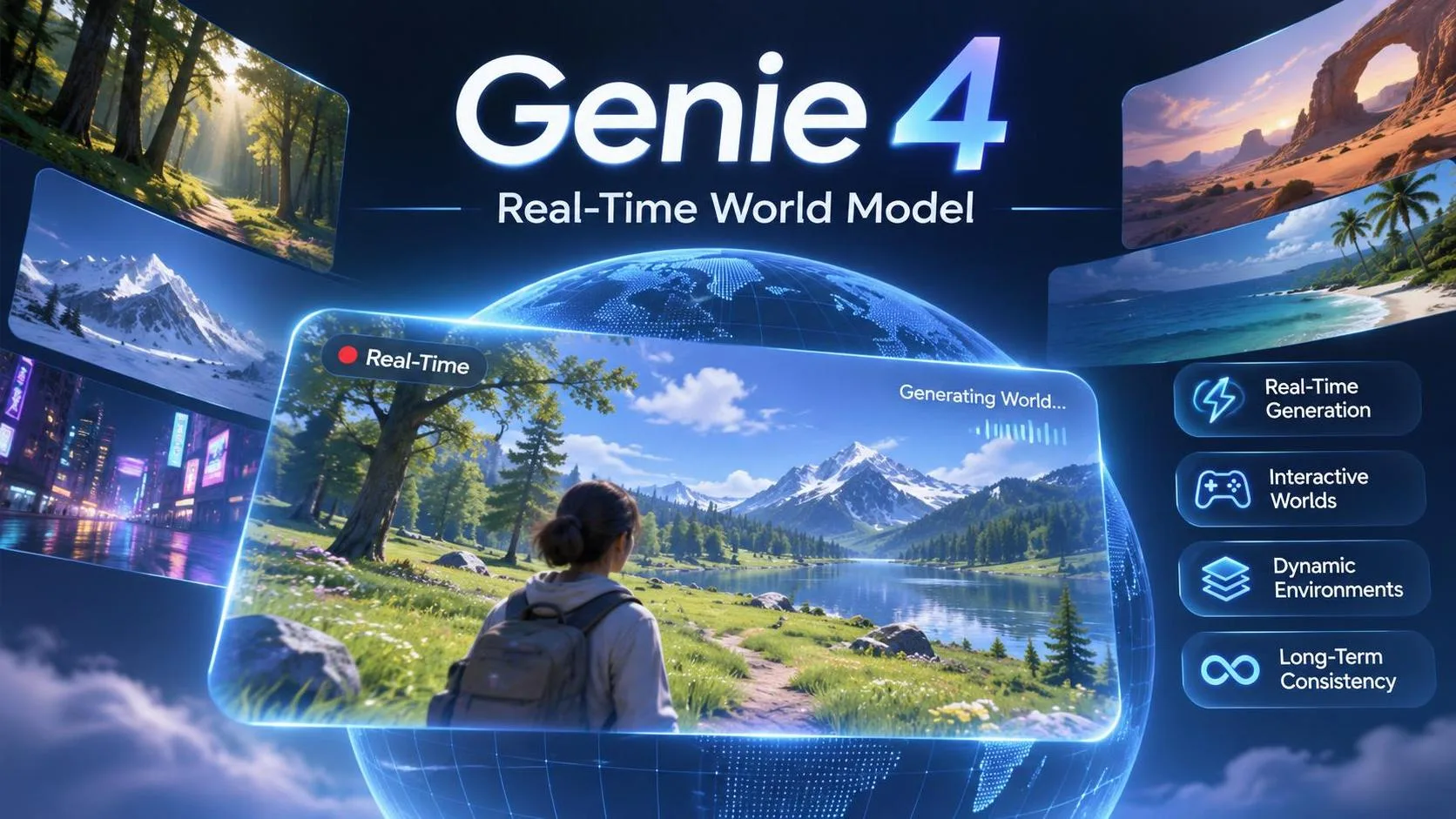
Genie 4 is Google DeepMind’s newest world model. It does not just spit out a video. It builds a small interactive scene you can move around in, change with text while it is running, and hear in real time.
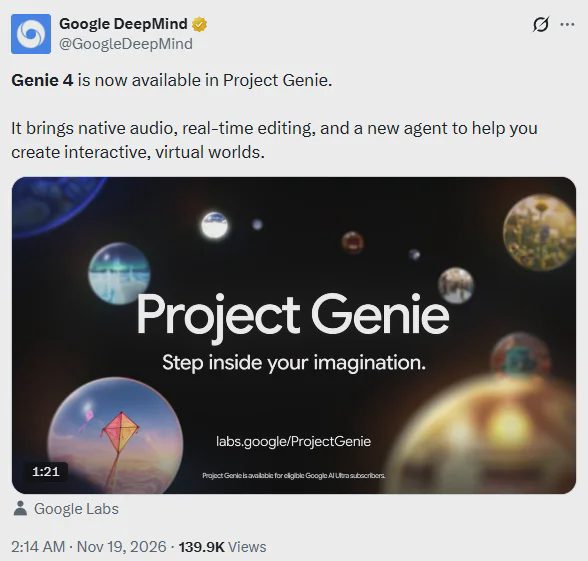
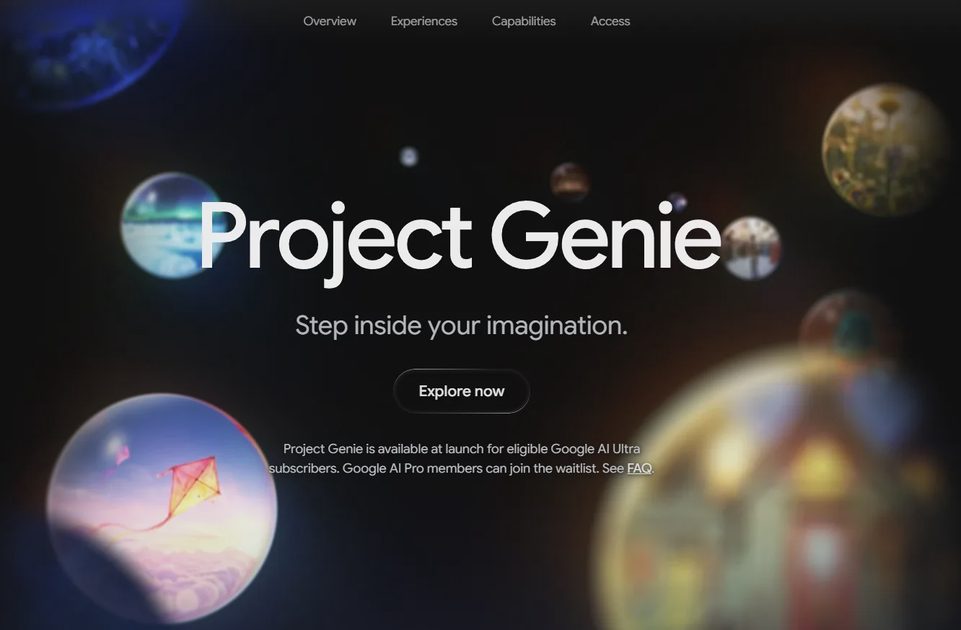
As of November 18, 2026, eligible Google AI Ultra subscribers can use it inside the updated Project Genie experience. Pro users can join the waitlist. There is still no public Genie 4 API for regular developers.
I do not write about these launches from the press release alone. I checked what is actually available, tried the basic creation and mid-session prompting flow, and noted where it still feels early. Here’s the practical version for beginners.
What Genie 4 actually is (in plain English)
Most AI video tools give you a finished clip. A world model tries to keep a consistent little environment running while you explore it.
With Genie 4 you can:
Start from a text description (sometimes with an image)
Move around with keyboard controls
Type new instructions while the scene is live — change the weather, drop in a character, redirect the action
Hear matching ambient sound and dialogue generated at the same time
Google positions it as their most realistic and interactive version so far, and the first with native real-time audio. It also uses Gemini models in the background to help keep the scene coherent as you change things.
That is the claim. The useful question is how it behaves when you actually sit down and try a simple world.
What I tested and what worked
I focused on the path a normal Ultra user would take, not on polished demo reels.
What felt solid:
Getting a basic world running from a plain-English prompt is straightforward
Mid-session text changes (“make it rain,” “add a small boat”) often register and alter the scene
Native audio is a real step up from silent generations — ambient sound and simple dialogue appear without a separate audio model
The new Project Genie agent helps a lot if you are not sure how to structure the first prompt
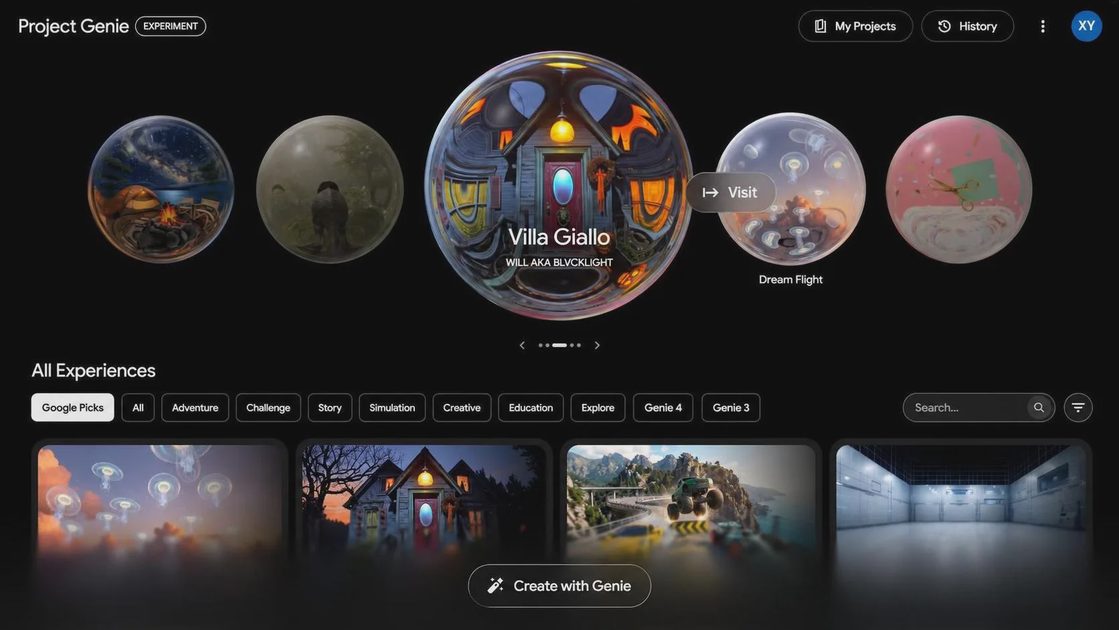
The community gallery makes it easy to jump into someone else’s world and remix instead of starting from zero
What still felt research-grade:
Scene consistency can drift after longer exploration or several prompt edits
Objects do not always stay reliable if you look away and come back
Complex physics and precise spatial relationships are still uneven
Sessions are measured in minutes, not long continuous runs
Google themselves list these as active research areas (camera latency, intricate physics, audio precision, long-term scene permanence). My short tests matched that description. Impressive for short interactive experiments; not yet something I would trust for exact, repeatable simulation.
How to try it yourself (current access)
Your plan | What you can do today |
|---|---|
Google AI Ultra | Open labs.google/projectgenie and use Genie 4 |
Google AI Pro | Join the waitlist on the same page |
Free / no subscription | Not available yet |
Developers wanting an API | No public model ID yet — early partners only |
There is still no published Genie 4 model string you can drop into the Gemini API. If someone claims a public endpoint works for everyone, treat it as unverified until Google lists it in the official models documentation.
Simple first session I recommend:
Open Project Genie (Ultra access required)
Start with a short, concrete prompt, e.g. “a quiet wooden dock on a foggy lake at dusk”
Let the agent help refine the look if needed
Move around with the keyboard
Type one live change: “a small rowboat appears near the dock”
Listen for the ambient sound and any generated dialogue
Stop after a couple of minutes and note what stayed consistent
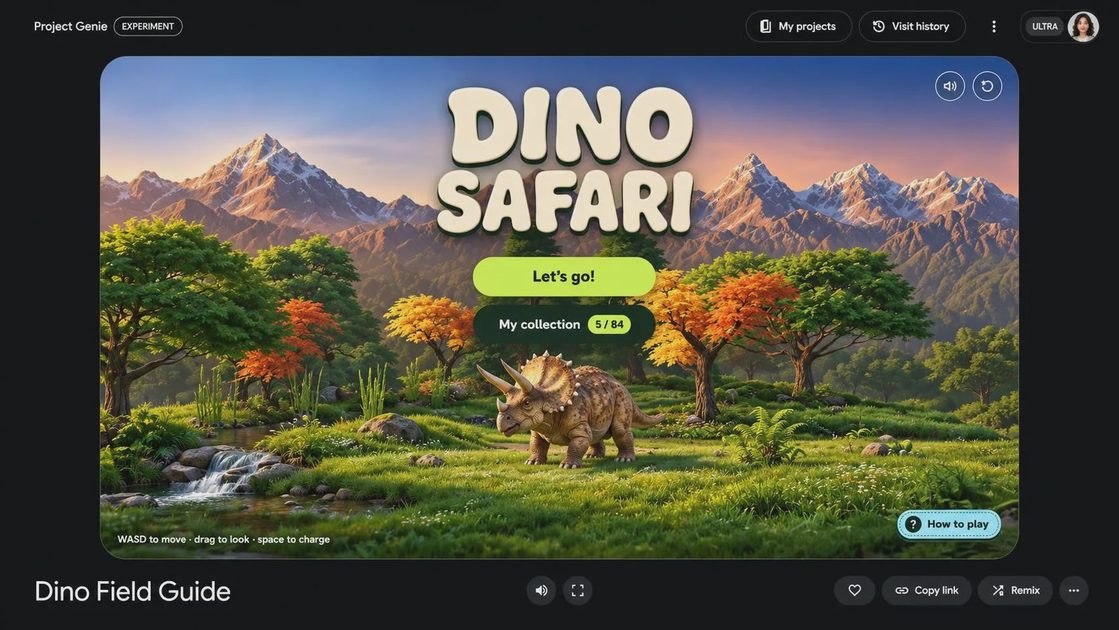
That is enough to feel the difference between a static video generator and a world model.
Prompting notes from hands-on use
Clear, specific language worked better than long cinematic descriptions.
Helpful pattern:
Environment first (place, light, weather, mood)
Main subject or character second
Camera behavior if it matters (“smooth independent camera,” “no drone view”)
Short live edits while exploring (“make it rain lightly,” “add a red umbrella”)
Overly complex multi-part prompts tended to produce more drift. Keeping the first world simple made the mid-session changes more reliable in my tests.
Honest limitations (the part most launch posts soft-pedal)
Visual details and object permanence can shift over longer sessions or after many edits
Complex physical interactions are improved but still imperfect
Real-time audio is native and useful, but not always precise
Legible text inside the scene remains difficult
Everything is still watermarked with SynthID and runs through safety filters
I treat Genie 4 the same way I treat other early Gemini-family capabilities: excellent for short creative exploration and prototyping, not ready for production systems that need stable state or exact physics.
What this means if you already build with Gemini
For most developers the immediate takeaway is not “rewrite your stack.” It is:
Interactive world models are now a real product surface inside Project Genie
Gemini models are already being used inside the loop to help plan and keep scenes coherent
The practical entry point today is the browser experience, not a public API
When an API eventually appears, the same testing discipline still applies: small reproducible prompts, clear limits, and honest failure notes
The interesting longer-term pattern is combining a reasoning model (for planning and tools) with a world model (for interactive environments). That combination is still early, but Genie 4 is the clearest consumer-facing step Google has shipped so far.
Practical recommendation
Your situation | What I would do |
|---|---|
You have Ultra access | Spend 15–20 minutes on one simple world and one mid-session edit |
You have Pro | Join the waitlist and practice clear environment + character prompts |
You need a public API | Wait for an official model ID — do not invent one |
You need stable long-running simulation | Keep expectations low for now |
Genie 4 is the most approachable interactive world model Google has made available to regular Ultra users. Short sessions feel responsive and genuinely different from static video generation. Longer consistency and precise physics are still the open problems.
I tried the available path first. When a real public API lands, I’ll run the same small evaluation set I use for every new Gemini capability and share the results.
I tried it first. You can just copy.