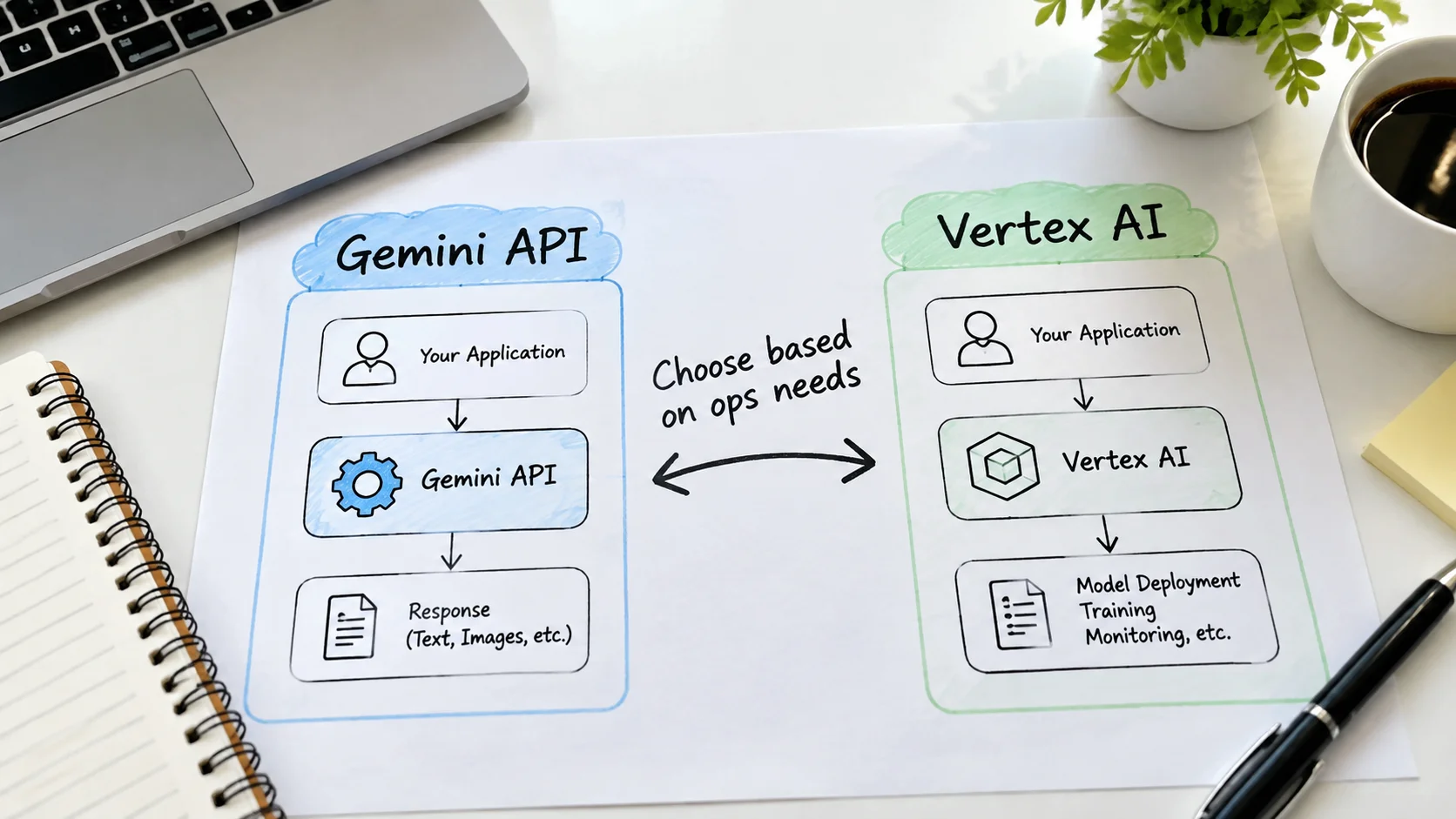
Many developers start with the Gemini API through Google AI Studio because the path is short: create a key, install a client, send a request. Later they encounter Vertex AI and wonder whether they should migrate. The two surfaces overlap, but they are not interchangeable. This post explains the practical differences that matter when you are choosing where to run Gemini workloads.
I have used both the consumer-facing Gemini API and Vertex AI Gemini endpoints in real projects. The observations below come from that experience, not from marketing diagrams. The goal is to help you avoid a premature migration or, conversely, an unnecessarily long stay on the simpler surface when enterprise controls are already required.
Two Different Product Surfaces
The Gemini API available through Google AI Studio is designed for rapid experimentation and lighter production use. Authentication is usually an API key. Quotas and pricing are relatively straightforward. The feature set focuses on core generation, multimodal input, and basic tool use.
Vertex AI is Google Cloud’s managed machine-learning platform. Gemini models are available there as part of a larger suite that includes endpoint management, IAM integration, VPC controls, monitoring, and tighter coupling with other Google Cloud services. Authentication typically uses service accounts and workload identity rather than long-lived API keys.
The decision is less about which model is “better” and more about which operational environment matches the requirements of the application.

When the Gemini API Is the Right Starting Point
I recommend the Gemini API (AI Studio path) when:
The project is still in exploration or early prototype stage
The team wants the shortest path from idea to working request
Fine-grained IAM, private networking, and enterprise audit logs are not yet required
Cost predictability for low-to-moderate volume is more important than deep cloud integration
Most of the tutorials on this site begin with the Gemini API for exactly these reasons. The feedback loop is fast, and the same model family is available later on Vertex if the project grows.
When Vertex AI Becomes the Better Fit
Vertex AI becomes the clearer choice when any of the following appear:
The application must run inside a private VPC or meet strict data-residency requirements
Service-account-based authentication and workload identity federation are mandatory
You need integrated monitoring, logging, and alerting through Cloud Monitoring
The broader Vertex ecosystem (feature store, pipelines, model registry) will be used alongside Gemini
Procurement or security review requires Google Cloud’s enterprise terms and controls
In those situations the extra setup cost of Vertex is usually repaid by the operational controls it provides.
Concern | Gemini API (AI Studio) | Vertex AI Gemini |
|---|---|---|
Time to first request | Minutes | Longer (project + IAM setup) |
Auth model | API key | Service account / ADC |
Private networking | Limited | Full VPC and Private Service Connect support |
Enterprise IAM and audit | Basic | Full Cloud IAM and audit logs |
Integration with other GCP | Light | Deep |
Best for | Prototypes, lighter prod | Regulated or large-scale prod |
Migration Considerations
Moving from the Gemini API to Vertex is rarely a pure lift-and-shift. Client libraries differ, authentication changes, and some configuration options are expressed differently. I treat migration as a small project rather than a configuration switch.
The practical steps I follow are:
Recreate the core prompts and evaluation set on Vertex using the same model family.
Measure latency, cost, and quality side by side.
Update authentication and secret management.
Add the monitoring and networking controls that justified the move.
Only then cut production traffic.
Skipping the side-by-side measurement is the most common source of surprise. Model identifiers can look similar while the underlying serving characteristics differ slightly between the two surfaces. I have seen teams assume that “the same model name” guarantees identical behavior and then spend days chasing differences that were simply the result of different default configurations.
Another practical point: cost visibility changes. On the Gemini API the billing story is relatively simple. On Vertex AI you may also incur charges related to networking, logging, or accompanying services. Factor those into the comparison rather than looking only at token prices.
A Simple Decision Rule
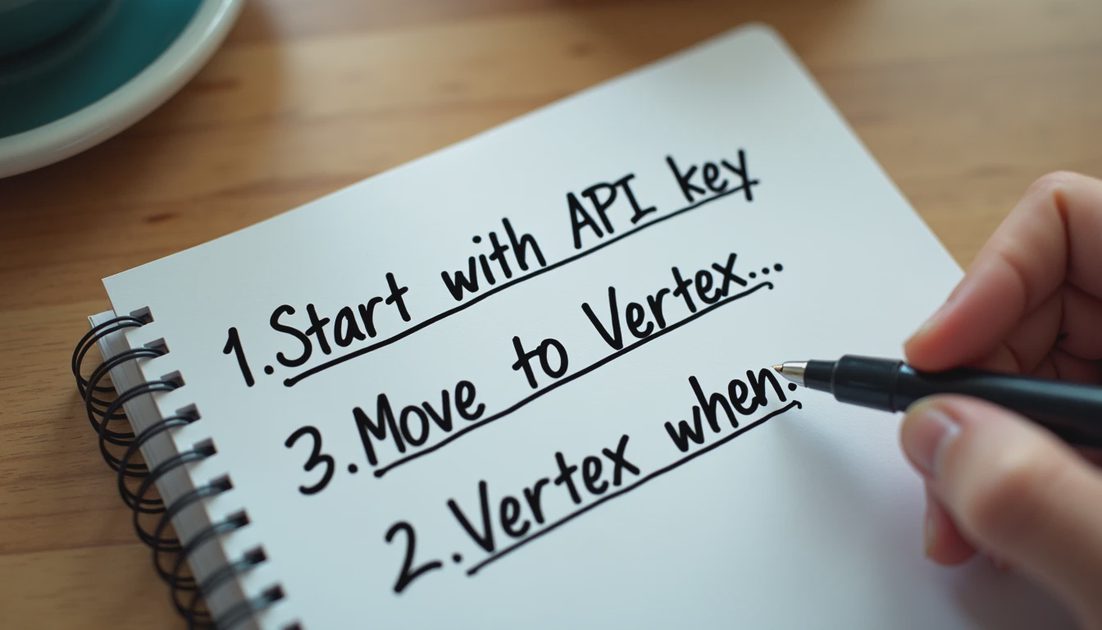
If you are still discovering whether Gemini solves the problem, start with the Gemini API. If you already know the problem is solved and the remaining work is about security, scale, and integration with Google Cloud, move to Vertex AI.
I tried it first on both surfaces. The choice is less about model intelligence and more about the operational envelope your application must live inside. Keeping that distinction clear has saved more redesign time than any single feature comparison.