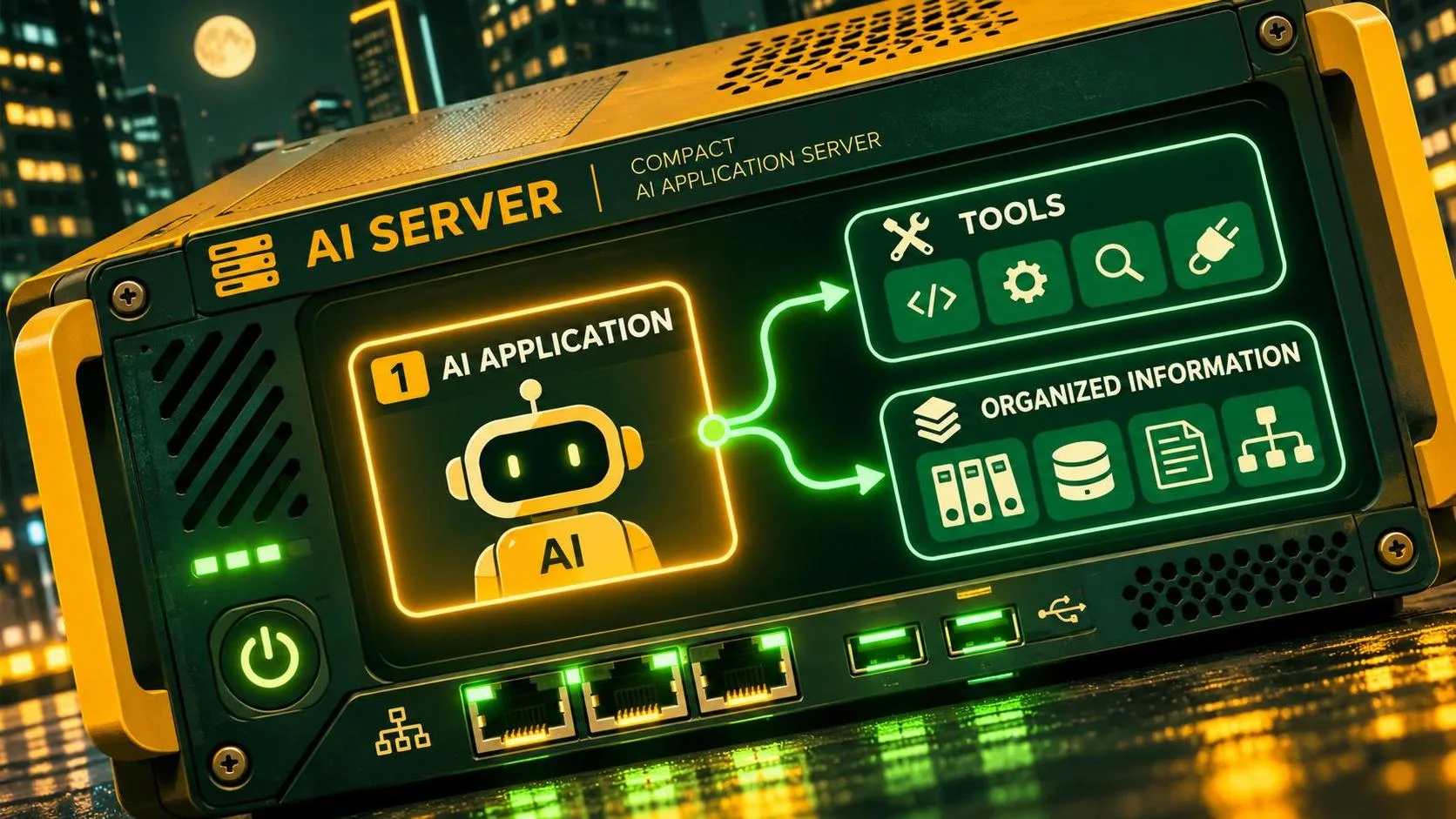
If you’re asking what is mcp server, here’s the practical answer: it’s a program that exposes tools, data, or reusable prompts to an AI application through the Model Context Protocol (MCP). Instead of building a separate integration for every assistant, a developer can expose an operation once using a shared protocol. The assistant application can then discover that operation and, when appropriate, request that it be run.
Think of a server that lets an assistant look up an order. The model interprets the user’s request; the server provides a defined way to fetch the relevant record. The server is not the model, and it does not automatically give every AI app access to your systems.
A small example: looking up an order
Suppose you’re building a support assistant. A customer asks, “Where is order 123?” Your MCP server exposes a tool called `get_order_status` that accepts an order ID. The assistant application sends the tool description to its model. If the model selects that tool, the application can call it through its MCP client, receive the result, and pass it back to the model for a customer-friendly answer.
The useful output might be an order status and an estimated delivery date, assuming your order system provides both. If the order doesn’t exist or the backend is unavailable, the tool should return an understandable error instead of encouraging the model to guess.
There’s an important authorization step in this example: the server must verify that the requesting user is allowed to see that order. Knowing an order ID is not proof of ownership. In a production system, identity and permissions need to travel through the application and be checked against the backend’s rules.
That’s the smallest useful mental model: a model decides what it wants to ask for, an application manages the interaction, and a server performs an explicitly exposed operation. The server can wrap an existing API; it doesn’t have to replace one.
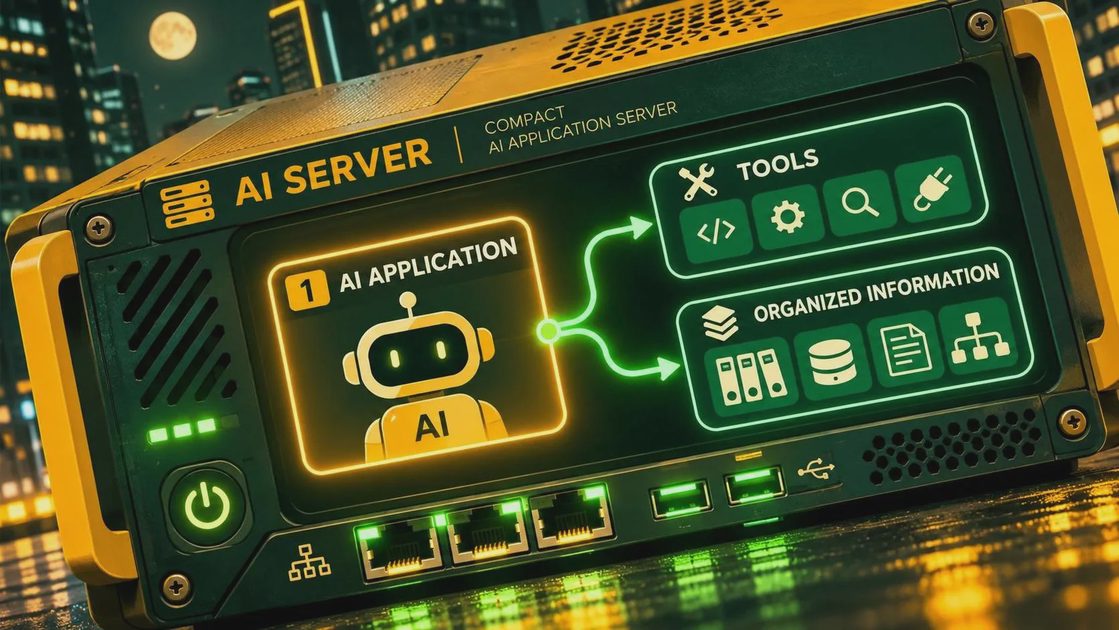
what is mcp server architecture made of?
MCP separates the application that coordinates the experience from the program exposing capabilities. You’ll usually encounter three pieces:
The host is the AI application the user interacts with. It manages the overall experience and can connect to one or more servers. An application using a Gemini model, for example, could act as the host if its developer implements or uses an MCP-compatible integration.
The client is the component inside the host that maintains a connection to an MCP server and exchanges protocol messages with it. A host can manage multiple client connections when it needs to work with multiple servers.
The server exposes selected capabilities. It might run as a local process on the same machine as the host or as a remote service. Depending on its implementation, it can connect to a database, an internal API, files, or another system.
MCP uses structured messages for requests and responses. The host and server also need compatible transports: local integrations commonly use standard input and output, while remote integrations can use HTTP-based transport. Check the documentation for both sides before choosing a server; supporting MCP in general does not guarantee that every transport or feature is supported.
Tools, resources, and prompts
A server can expose different kinds of capability. They solve different problems, and treating all of them as interchangeable makes an integration harder to reason about.
Tools are operations the application can ask the server to execute. A lookup tool might retrieve an order; a write tool might create a ticket. Tool descriptions and input schemas help the application and model understand what arguments are expected. They do not guarantee that the model will choose the right tool or supply valid arguments, so the server still needs validation.
Resources expose context that a client can retrieve, such as a document or a record identified by a URI. They are useful when the application needs to provide relevant information to a model without framing every piece of context as an action.
Prompts are reusable templates or workflows a server can offer to a client. For example, a server might provide a structured template for summarizing a support case. Whether and how those prompts appear to an end user depends on the host application.
Not every server exposes all three. For a first integration, one read-only tool is usually easier to evaluate than a server with dozens of operations.
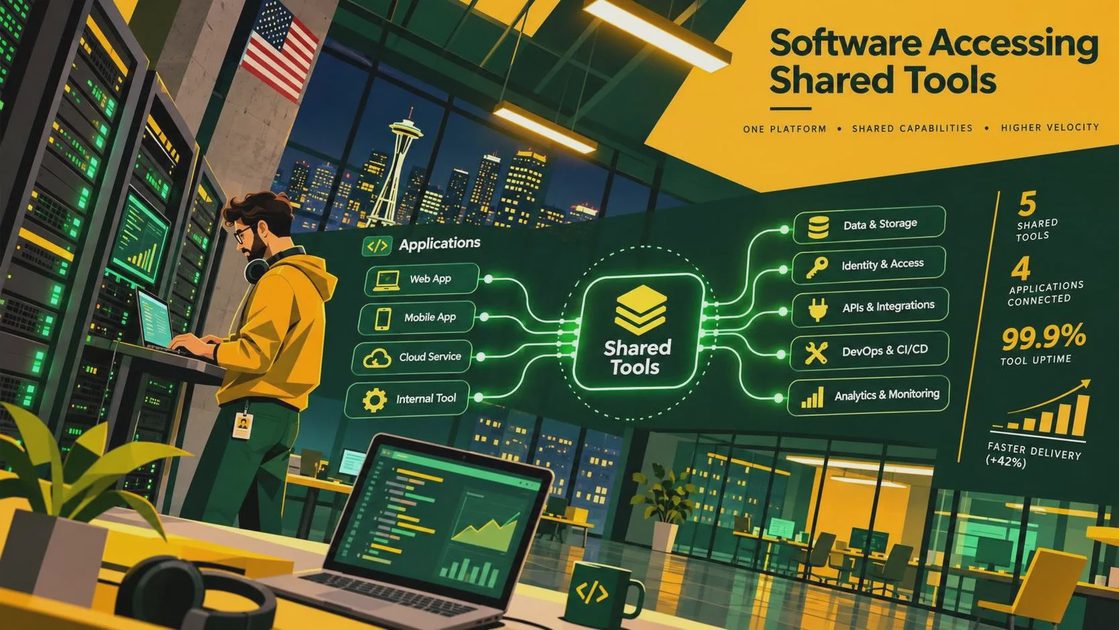
How this differs from a regular API
An API defines how software talks to a particular service. MCP provides a common way for an AI application to discover and interact with capabilities a server exposes. An MCP server can sit in front of an existing API, translating a tool request into an API call and returning a result.
That translation layer is useful when several compatible clients need the same integration. It also adds another component to deploy, secure, and monitor. If your application has one fixed backend operation and no need for discovery or multiple clients, a direct API integration may be simpler.
MCP is also different from model function calling. Function calling is a mechanism by which a model can request a structured operation; MCP is a protocol for exposing and accessing capabilities. An application can use the two together, but the host still controls the workflow between the model and the server.
Security and production checks
Start with the permissions, not the prompt. Give the server only the credentials and data access it needs, and enforce authorization in the backend. A model instruction such as “only show customers their own orders” is not an access control.
Treat tool output as untrusted input. A retrieved document or API response could contain instructions that try to redirect the assistant. Keep external content separate from higher-priority application instructions, limit what tools can do, and require explicit approval for sensitive actions where appropriate.
For remote servers, use encrypted connections and an authentication method supported by both the host and server. Protect tokens from logs and error messages. For local servers, review the command being launched and the permissions of the process: a local integration can have access to files or credentials on your machine.
Finally, plan for ordinary failures. Set timeouts, log tool calls without exposing sensitive data, and decide what the user sees when a backend is slow or unavailable. Model inference, hosting, and underlying API calls can all add cost; the protocol itself does not eliminate those expenses.
A sensible first build is a read-only lookup against test data. Confirm discovery, a successful response, an invalid input, an authorization failure, and a backend timeout before adding write access. The demo is easy; those edge cases are where an integration becomes dependable.