
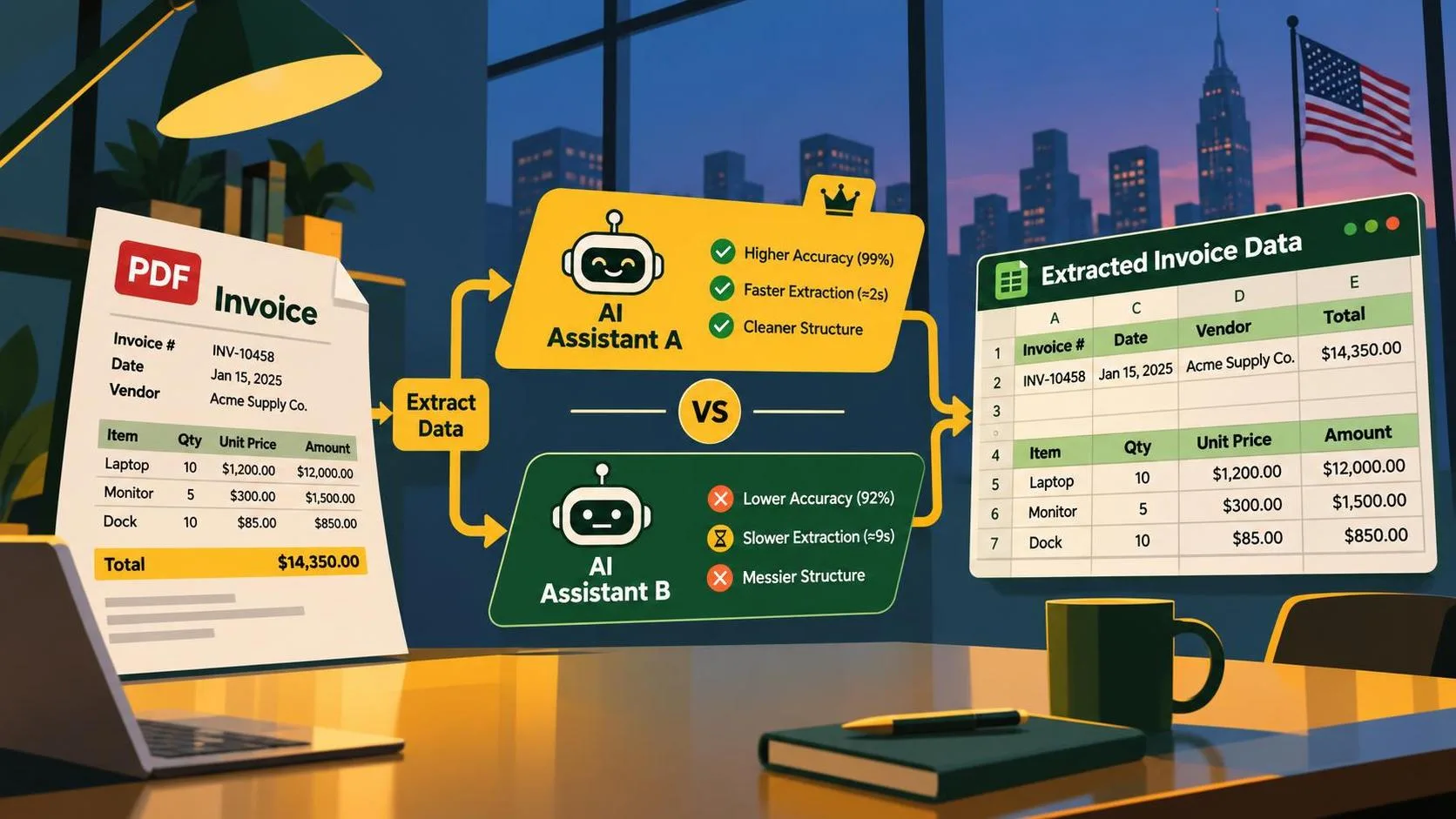
If you are comparing Gemini vs ChatGPT PDF invoice extraction to Excel, the important question is not which chatbot writes the nicer explanation. It is which model consistently turns messy invoices into structured rows without silently changing amounts, dates, or vendor names. I tested this workflow conceptually around the smallest useful pipeline: upload a PDF, define a strict schema, extract the fields, validate the output, and export a file that a finance system can actually use.
The short answer is that both tools can handle clean, digitally generated invoices. Gemini is attractive when long documents, Google Drive, Sheets, or Vertex AI are already part of your stack. ChatGPT is convenient for interactive review and quick experiments. Neither should be treated as an unsupervised accounting system. Scanned pages, tables split across lines, tax subtotals, credit memos, and handwritten notes are where the real work begins.
What the extraction workflow actually needs
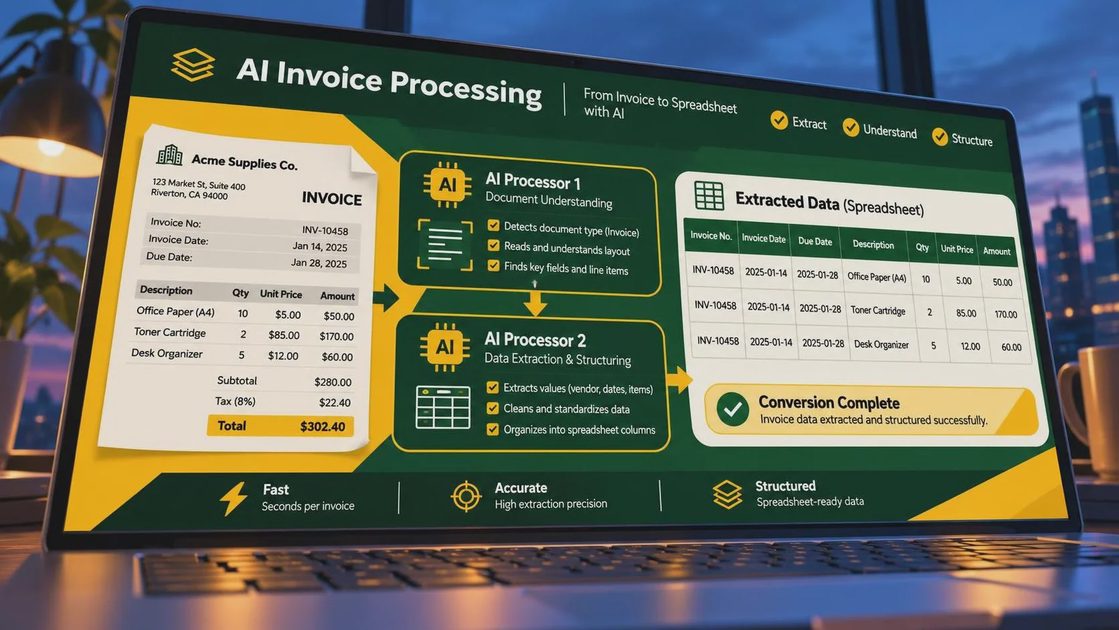
A PDF invoice is usually a visual document, not a database table. Text can be positioned with coordinates, split across columns, or embedded as an image. A model must identify the supplier, invoice number, issue date, due date, currency, line items, subtotal, tax, shipping, discount, and total. It also needs to distinguish an invoice total from a purchase order number or a payment reference.
For Gemini vs ChatGPT PDF invoice extraction to Excel, start with a fixed output schema. A practical row-level schema might include vendor_name, invoice_number, invoice_date, due_date, currency, subtotal, tax, total, purchase_order, and source_file. If line-item analysis matters, use a second table with description, quantity, unit_price, tax_rate, and line_total. Keeping invoice-level and line-item data separate prevents one invoice with ten products from becoming ten duplicated totals.
Here is the smallest prompt structure that works well:
- Extract only the fields in the supplied schema.
- Return valid JSON, with no commentary outside the JSON.
- Use null when a value is missing or unreadable.
- Preserve the original currency and decimal precision.
- Do not calculate a missing total unless a separate calculated field is requested.
- Include a confidence note or validation flag for ambiguous values.
This structure is more important than asking for a clever prompt. The model cannot reliably export a clean spreadsheet if the requested destination format is vague.
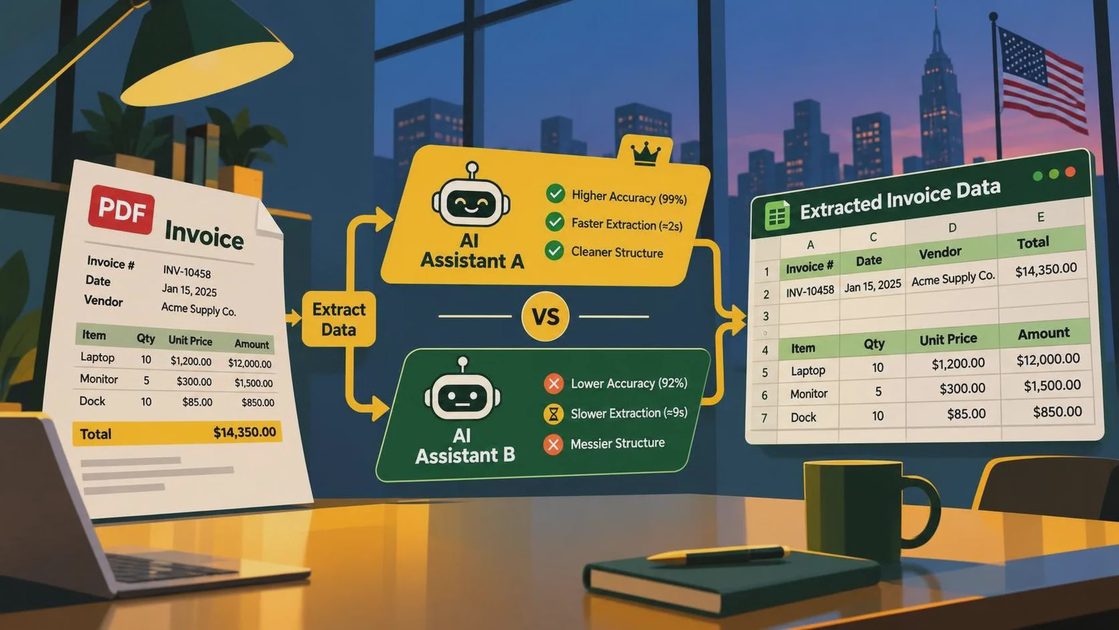
Gemini and ChatGPT: where each fits
Gemini is a strong candidate when the workflow already lives in Google Workspace. A team can review source files in Drive, move normalized data into Google Sheets, and later connect the process to Google Cloud or Vertex AI. Gemini also makes sense when your invoices are long, contain multiple pages, or include supporting purchase-order material in the same file. The exact context limit and supported file behavior depend on the product and model selected, so verify them in the current documentation before building around them.
ChatGPT is often the faster starting point for a human-in-the-loop process. Upload a small batch, inspect the proposed table, ask for corrections, and download a spreadsheet for review. That interaction is useful when invoice formats are still changing or when an operations specialist needs to see why a value was extracted. For Gemini vs ChatGPT PDF invoice extraction to Excel, ChatGPT can feel more approachable during discovery, while Gemini can fit more naturally into a Google-centered production environment.
The distinction is not absolute. Both platforms change frequently, and API behavior differs from a consumer chat interface. A production comparison should test the APIs or business products you intend to deploy, not just a single browser session.
A fair test dataset and scoring method
Do not compare models using one clean invoice. Build a test set of at least 20 to 30 documents, including native PDFs, scanned PDFs, multi-page invoices, invoices with US sales tax, invoices with discounts, and documents containing tables with wrapped descriptions. Remove private data or use synthetic examples when experimenting outside your company.
Score each field separately. For example, invoice number and total require exact matching, while vendor name can use a normalized comparison that ignores capitalization and punctuation. Dates should be converted to a consistent format such as 2026-04-18, but the original date should remain available for audit. Amounts should be compared as decimal values, not floating-point strings.
Track four useful metrics: field accuracy, row completeness, invalid JSON rate, and manual review time. A model that gets 98 percent of totals right but produces malformed JSON on 15 percent of files can still create more engineering work than a slightly less accurate model with predictable output. Also record latency and estimated token or API cost. A workflow processing 10,000 invoices has different economics from a one-off upload.
Turning model output into a dependable Excel file
The safest architecture is model output first, spreadsheet output second. Send the PDF to the model, parse the JSON with a real JSON parser, validate required fields, then write approved records to Excel using Python, pandas, or an internal service. Do not ask the model to invent spreadsheet formulas and then trust the resulting workbook without inspection.
A validation layer can check that subtotal plus tax plus shipping minus discount equals total within a small rounding tolerance. It can flag a due date earlier than an invoice date, a missing currency, a negative quantity, or a total that differs sharply from the visible document. It can also detect duplicate invoice numbers from the same vendor, which is useful for accounts-payable review.
For Gemini vs ChatGPT PDF invoice extraction to Excel, use a review queue rather than forcing every record through automatically. High-confidence, internally consistent invoices can move forward. Ambiguous scans, unusual tax treatments, and mismatched totals should be shown to a person with the source PDF beside the extracted values.
Common failure modes you should expect
The first failure is column confusion. A model may place a line-item tax amount in the invoice-level tax field, especially when a table has several subtotal rows. The second is number interpretation: commas, periods, and currency symbols can be read incorrectly when the scan is low quality. The third is missing context. An invoice may show “Net 30” without printing a calendar due date, so the system should not present a calculated date as if it were printed on the document.
OCR quality is another practical limit. If the PDF is a photograph of a tilted page, improve the image before asking either model to extract data. Deskewing, increasing contrast, and rendering pages at a sensible resolution can help. Password-protected files, repeated headers, stamps, and handwritten approvals should be routed for review instead of hidden behind a confident-looking answer.
A useful prompt should explicitly say not to guess. It should require null for unreadable values and ask the model to return page references or short evidence snippets when possible. Evidence makes a correction faster because an operator can jump directly to the relevant page.
What I would choose for a real build
For a small team reviewing dozens of invoices each week, I would begin with the interface that fits existing work habits. If finance staff live in Excel and Google Drive, Gemini is worth testing first. If the team wants an interactive analyst workspace for prompt iteration and ad hoc file review, ChatGPT is a practical starting point. For a developer-owned service, compare API pricing, file handling, structured output support, authentication, logging, and data-retention settings before choosing.
The strongest Gemini vs ChatGPT PDF invoice extraction to Excel implementation is not a model-only decision. It is a pipeline with a schema, representative test set, deterministic validation, duplicate detection, audit storage, and a clear human approval step. Keep the original PDF, extracted JSON, validation results, and final workbook record together so a finance user can trace every value.
What worked in this design is the separation between extraction and export. What failed in early-style experiments is treating a polished table as proof of accuracy. What I would change in production is add vendor-specific rules after collecting real error patterns, then rerun the benchmark whenever the model, prompt, OCR process, or document mix changes. I tried it first. You can just copy the structure, test both models on your own invoices, and choose based on measured review time rather than brand loyalty.