
Google’s model lineup changes often enough that even people who use Gemini daily can lose track of the practical differences. Marketing pages emphasize capability. Engineers need to know which model is fast enough for interactive features, which one holds longer context without quality collapse, and which one makes sense when cost becomes part of the decision.
This post strips the marketing language and maps the current Gemini models to the decisions that actually appear in product and engineering work. Everything here is based on hands-on testing with the Gemini API and Vertex AI, not on press releases.
The Practical Decision Framework
Before looking at individual models, it helps to fix the questions that matter in real projects:
How long does the response need to feel instant?
How much context will the average request carry?
Is structured output or tool use required?
What is the acceptable cost per 1,000 requests?
Does the workload need multimodal input right now?
Answering those five questions usually eliminates most of the lineup and leaves one or two realistic options.

Flash vs. Pro: The Core Trade-Off
The most common choice teams face is between Gemini Flash and Gemini Pro variants. Flash is optimized for speed and cost. Pro is optimized for deeper reasoning and longer, more coherent output.
Dimension | Flash (typical) | Pro (typical) |
|---|---|---|
Latency | Lower | Higher |
Cost per token | Lower | Higher |
Complex reasoning | Good enough for many tasks | Stronger on multi-step logic |
Long-context stability | Solid for moderate sizes | Better at the extreme end |
Structured output | Reliable with clear schemas | More tolerant of fuzzy schemas |
In practice I reach for Flash when the application needs to stay responsive and the task is well-bounded: classification, simple extraction, short summaries, or light tool routing. I reach for Pro when the output quality of a longer reasoning chain directly affects the user experience or downstream system reliability.
When the Choice Is Not Obvious
Some workloads sit in the middle. A customer-support summarizer that must stay under a cost ceiling may still need Pro-level coherence on edge-case tickets. In those situations I test both models on a fixed evaluation set of 50–100 real examples and measure three things: exact-match accuracy on structured fields, human preference on free-text quality, and p95 latency. The numbers usually settle the argument faster than opinions.
Context Windows and Real Memory
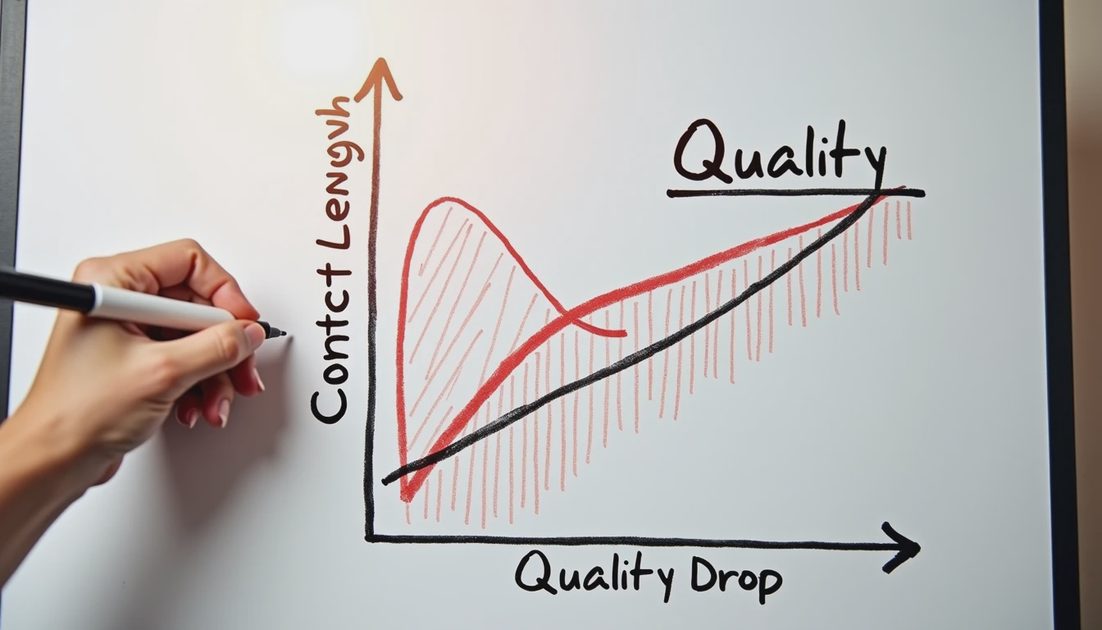
Official context numbers are useful upper bounds. What matters in production is how quality behaves as the context fills. In my tests, performance remains usable well past the midpoint for most models, but the failure modes differ.
Flash models tend to drop fine details earlier when the context is noisy. Pro models hold structure longer but can still invent citations or lose track of earlier constraints once the prompt becomes very long. The practical takeaway is simple: design for the point where quality starts to degrade, not for the theoretical maximum.
I also measure the cost of long context. Sending 100k tokens of history on every request adds up quickly. Many teams discover that a short retrieval step plus a smaller context window is both cheaper and more stable than stuffing everything into the model.
Multimodal and Tool-Use Considerations
If the product needs image, audio, or document understanding out of the box, the model choice narrows further. Not every Gemini variant exposes the same multimodal surface through the API at the same quality level. I always verify the exact model identifier and the supported modalities in the current API documentation before promising a feature.
Tool use and function calling introduce another axis. Some models follow tool schemas more reliably than others. When reliability is critical I keep the tool definitions short, validate every argument, and add a cheap Flash classifier that can reject or re-route bad tool calls before they reach downstream systems.
A Simple Selection Checklist
Before locking a model for a new feature I run through this short list:
Can Flash meet the quality bar on a realistic evaluation set?
If not, does Pro clear the bar without breaking the latency or cost budget?
Have I measured quality at the actual context lengths the system will see?
Are multimodal and tool-use requirements confirmed for the chosen model ID?
Is there a fallback path if the primary model becomes unavailable or too expensive?
Answering these questions in writing forces the decision out of the realm of preference and into measurable criteria. That habit has saved more redesign time than any single model upgrade.
I tried it first. You can just copy the evaluation approach even if your final model choice ends up different.